GTA 6 210GB file size SSD upgrades aren’t the answer
The digital world of gaming is constantly evolving, and while we eagerly anticipate massive, immersive experiences like Grand Theft Auto VI, the reality of the download size is hitting many console owners with a hard dose of reality. Forget the hype for a moment and let’s talk about the sheer digital footprint of the next big title.
The file size for Grand Theft Auto VI has been revealed to be a staggering 210GB. This isn’t just a large download; it places the game squarely among the greediest PlayStation 5 releases of the generation, prompting questions about storage capacity and management on modern consoles.
For those already stocking up on current-generation releases, the arrival of this massive download means some careful planning is required. While the speed of the PS5 SSD is phenomenal, managing the internal storage space is crucial, especially when facing the demands of major new games.
Component shortages and market chaos have unfortunately caused volatility in the world of storage prices. Even the most affordable 1TB SSD sticks are currently commanding prices around $150, adding another layer of financial consideration to the upgrade process.
If you find yourself wrestling with limited internal space, there are several ways to manage the storage dilemma. One option involves upgrading your internal system. Moving from a 1TB drive to a 2TB SSD typically costs between $250 and $300 at the lower end of the market, offering a significant boost in capacity and speed.
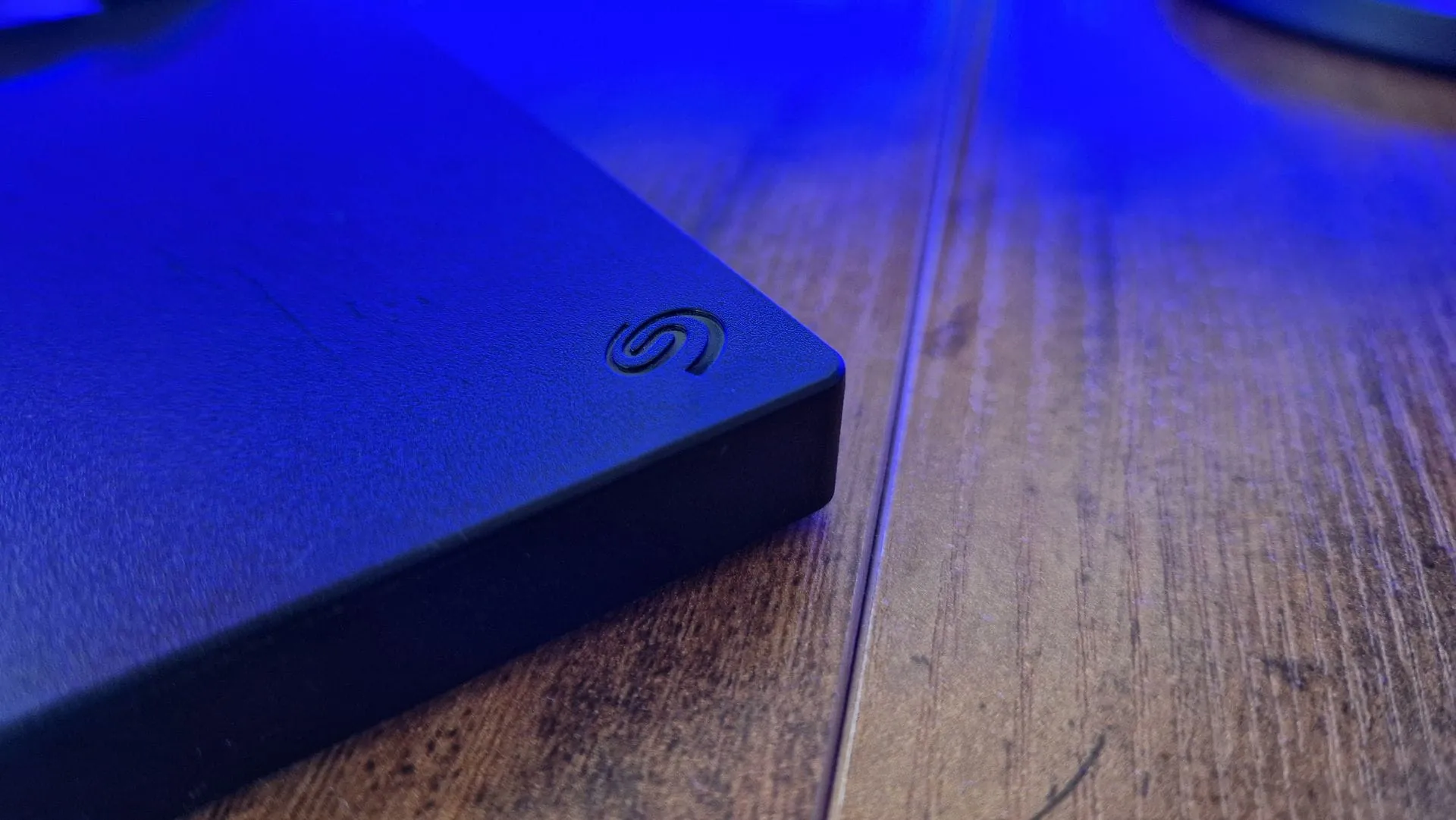
However, for those looking for a flexible solution, external hard drives offer a practical alternative. External drives provide a way to move older games, such as those from the PS4 library, off your main system. This frees up valuable internal space without sacrificing the blazing-fast loading speeds of the PS5 SSD.
Products like portable external hard drives provide a convenient way to store older titles or serve as a backup repository. These solutions are often more budget-friendly than new internal SSDs, offering great value for clearing out old content or storing games you want easily accessible but not currently playing.
Ultimately, while the digital space demands attention, the best strategy often involves a healthy clean-out. Before diving into expensive upgrades, taking the time to review existing downloads and cull unnecessary files is always the smartest first step.
The key takeaway is that while the download size sets a high bar for storage, smart management—whether through internal upgrades or external solutions—allows console owners to enjoy their gaming experience without running into storage jams.
Buy on Amazon
Credit