
Linux expands SteelSeries headset support
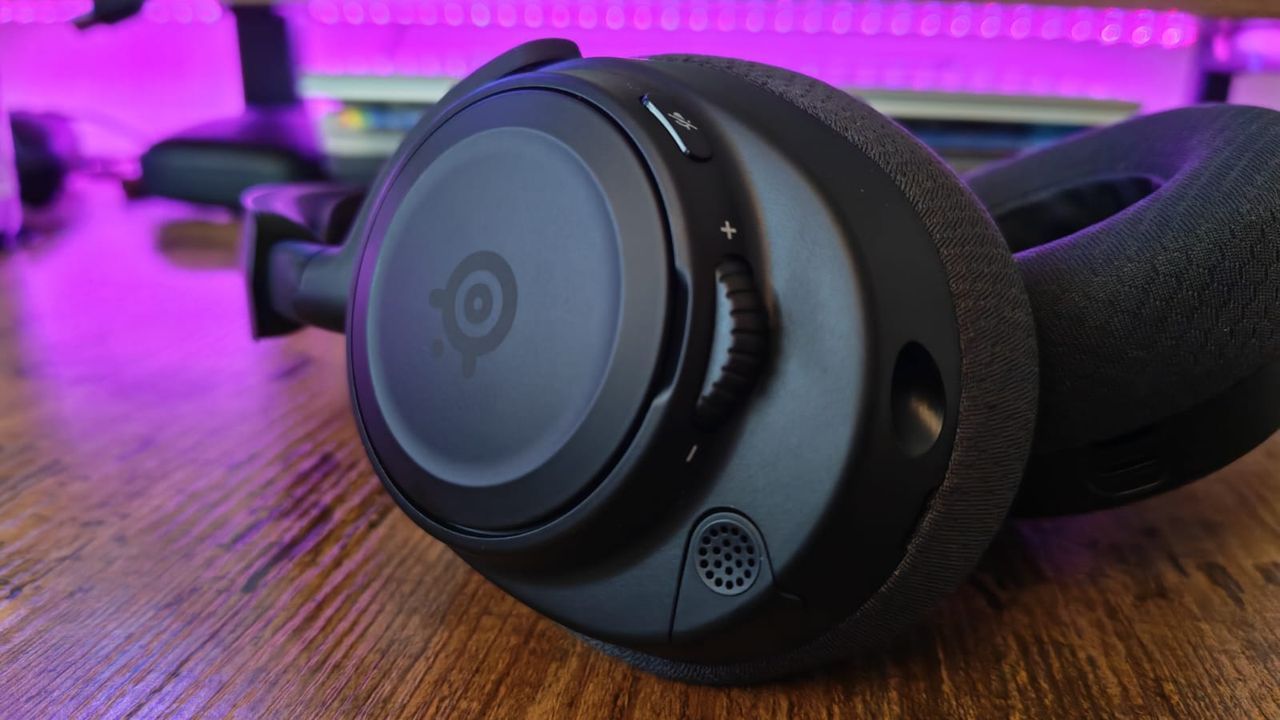
Stepping into the world of open-source gaming on Linux is an exciting adventure, but sometimes, the path to true freedom isn’t always paved with smooth sailing. For many gamers who rely on premium gear like SteelSeries headsets paired with Windows systems, taking the leap to a Linux-powered operating system can introduce unexpected compatibility hurdles.
The frustration often stems from basic functionality—things like battery status reporting or stable wireless performance—which can diverge significantly when running Linux. However, open-source developers are stepping up to bridge this gap, ensuring that high-end hardware works seamlessly across platforms.
A major breakthrough in driver support has recently arrived, spearheaded by open-source community members who focus on making cutting-edge peripherals accessible. Sriman Achanta has developed a comprehensive patch set designed to improve interaction between SteelSeries headsets and the Linux kernel.
This fix is scheduled to drop alongside the upcoming Linux 7.3 kernel merge window, bringing much-needed compatibility enhancements for a wide range of hardware. This update significantly expands driver support to over 14 SteelSeries-branded headsets, including popular models such as the SteelSeries Arctis Nova 5X and the newer Arctis Nova 7 Gen 2.
But this is more than just fixing basic connections. The patch unlocks deep functionality that was previously restricted. Before this update, support was limited primarily to battery monitoring for certain models. Now, users gain “full feature control,” meaning they can manage advanced settings like sidetone, auto-sleep modes, microphone controls, volume limiting, and Bluetooth configurations directly within the Linux environment.
This level of granular control is crucial, especially when dealing with high-end audio equipment. It ensures that owners of expensive models, such as the SteelSeries Arctis Nova Elite, get their full monetary value and optimal performance regardless of the operating system they choose to run.
If you are considering adding a premium headset to your setup—or just want to ensure your existing gear plays nicely in Linux—it’s worth looking into these community-driven solutions. Resources like the Hardware for Linux website are excellent starting points for assessing how well your hardware is equipped for the change.
The takeaway is clear: with the right open-source contributions, the digital barrier between gaming hardware and operating system choice is rapidly dissolving, allowing enthusiasts to enjoy their favorite gear on any platform they choose.
Buy on Amazon
Credit